






Track Time with Screenshots
- No credit card required
Time Tracking with Automated Screenshot Capture
Progress
Responsibility
Efficiency
Monitor Team Progress with Automated Screenshots
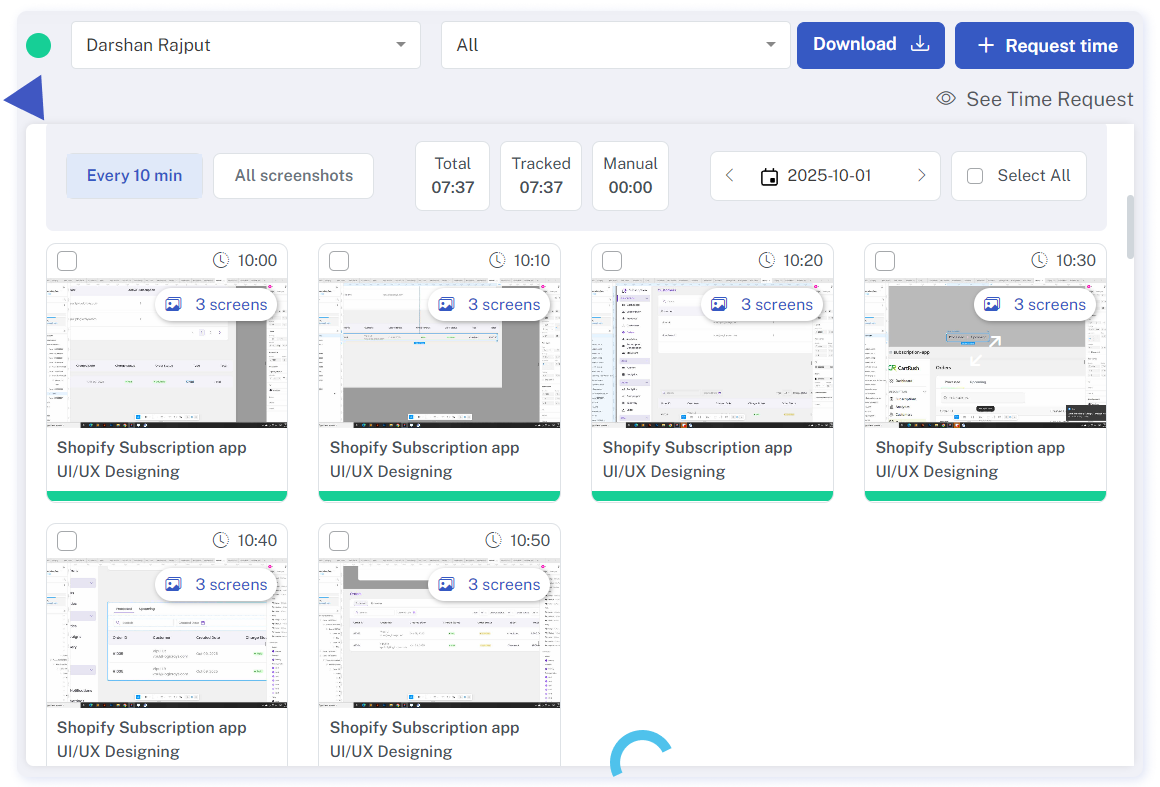
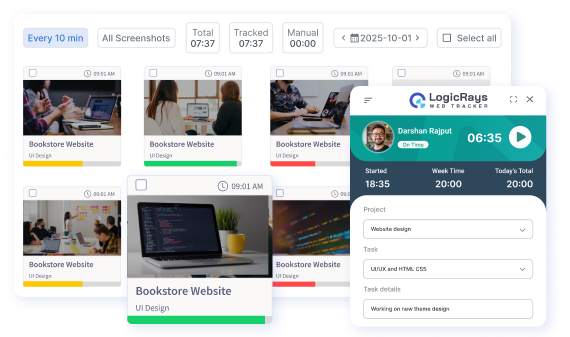
Access all screenshots conveniently on the Screenshot Reports page. For in-depth insights, simply click on each screenshot to view minute-by-minute events. Explore metrics including mouse clicks, keystrokes, app and website usage, and activity level.
Additionally, technical specifications such as IP address, OS type, and system operation name are provided.
Explore the versatility of
LR Tracker's
4 Screenshot Modes

Screen shot mode
Capture your employees’ screens at your chosen frequency using Screenshot Mode. You can set it to take between one to ten screenshots every 10 minutes, allowing you to monitor their activity as needed.
Background Mode
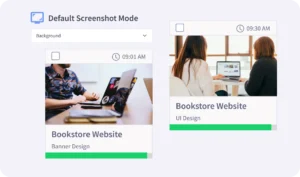
When Screenshot or Blurred Mode is active, employees are notified each time a screenshot is taken. However, with Background Mode enabled, screenshots are captured discreetly without notifying or disturbing your employees.
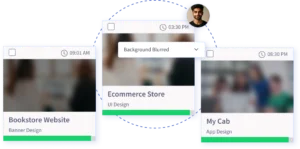
Blurred Mode
Select the Blurred Screenshot Mode to obtain evidence of work while safeguarding privacy. This mode is perfect for fostering trust between you and your employees while still ensuring accountability.
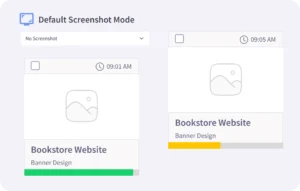
No-Screenshot Mode
Utilize the No-Screenshot Mode for projects, tasks, and cases where proof of work isn’t necessary. While active, the LR Web Tracker continues to monitor activity levels and app & web usage unless specifically disabled.
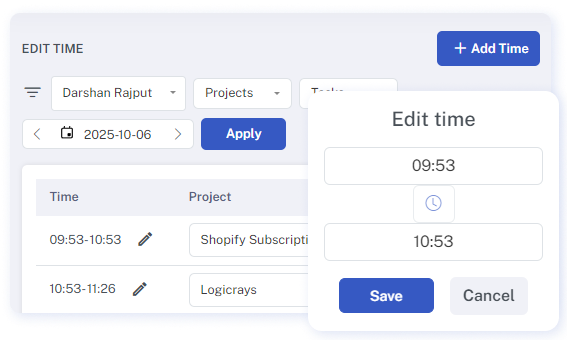
Time Adjustment
Our time editing feature addresses instances when employees overlook or are unable to track their hours due to various reasons, such as being engaged in off-computer work tasks. In such scenarios, team members can request time edits by providing brief descriptions. Subsequently, owners or executive managers can approve or reject these requests. Approved adjustments are seamlessly integrated into the total working hours.
Features
While your employees are engaged in their tasks, our time tracker seamlessly captures their screen activity