








Member Types
- No credit card required
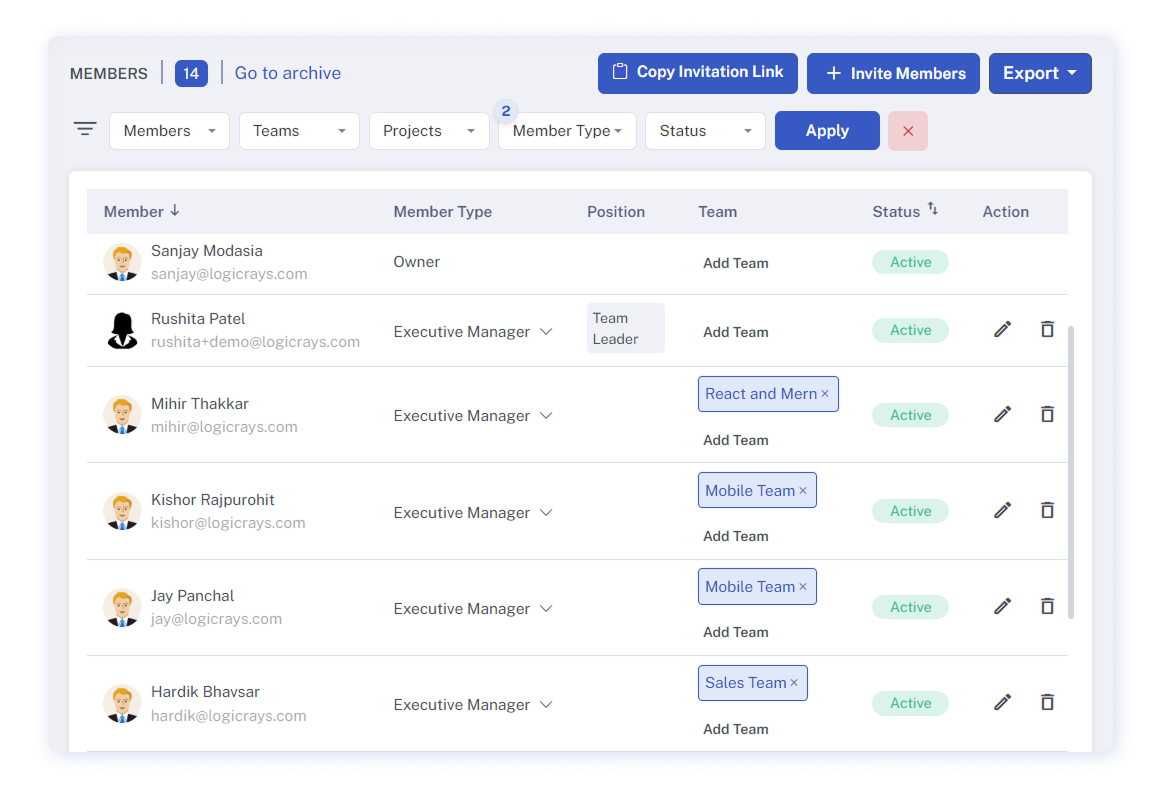
Five Member Types
The Owner is responsible for building the team and overseeing the entire organization. They set the working schedule, hourly rate, and screenshot mode for each contract. Only the Owner can invite a project viewer to observe team activities. The Owner has the following permissions:
People and Workspace
- Invite new members
- Delete/block members
- Build teams and assign titles to each member
- Invite project viewers and manage their permissions on the project
- Manage financial access for each member and project viewer
- Assign/change roles/groups to members
- Set up Attendance settings
- Set up Tracking settings (Extension, Web Tracker)
- Set up permissions for Desktop Tracker
- Set up Integrations
Contracts and Reports
- Create/delete projects
- Assign contracts to team members
- Edit, pause, delete contracts
- Set an hourly rate for contracts
- Set the screenshot mode
- Change Productivity settings
- View all Reports
- Export Reports
- Confirm/decline Manual Time requests
Tasks
- Create/delete tasks
- Assign tasks to team members
- Add more description to the task
- Attach files
- Add comments
- Categorize tasks according to priority
The Executive Manager has access to all information regarding team members, projects, and reports. If granted by the Owner, the Executive Manager can also view financial information of contract rates. Otherwise, financial data remains visible only to the Owner. The Executive Manager has the following permissions:
People and Workspace
- Invite members
- Create teams and titles
- Delete/block members
- Assign/change roles/groups to members (except the Owner’s)
- Manage financial information for each member (if the Owner gives access)
Contracts and Reports
- Create/delete projects
- Assign contracts to team members
- Edit, pause, delete contracts (if the Owner gives access)
- Set/edit the screenshot mode for contracts
- View all Reports
- Export Reports
- Approve/decline Manual Time requests
Tasks
- Create/delete tasks
- Assign tasks to members
- Add more description to the task
- Attach files/add comments
- Categorize tasks according to priority
The Project Manager oversees one or a few specific projects and has restricted access to team members and project details. The Owner or Executive Manager must designate which projects the Project Manager will handle. If the Project Manager is involved in projects where they are not designated as the manager, they assume the role of an employee for those projects. The Project Manager can view only the team members with contracts in the designated projects. The Project Manager has the following permissions for the assigned projects:
Contracts and Reports
- Edit/Pause contracts
- Generate Invoices (if the Owner gives access)
- Approve Manual Time requests
Tasks
- Create tasks
- Mark tasks as done
- Add more description to the task
- Attach files
- Add comments
- Distribute tasks accordingly
Each Employee can access their own reports and view team members in the same project. Employees can:
Contracts and Reports
- See the team members of the workspace who’s included in the same projects
- View his/her screenshots and reports
- Delete his/her screenshots if the Owner gives permission in the settings
- Set a restriction so that the Owner cannot delete his/her screenshots
Project viewers have restricted access and cannot make any changes. They can only view data for the projects they are granted access to. As they are not considered team members, the owner can invite an unlimited number of project viewers at no extra cost. Project viewers can see the following:
Contracts and Reports
- Status of the projects he/she is assigned to
- Screenshots of the projects he/she is assigned to
- Members and projects he/she is assigned to