





Track Time with Screenshots

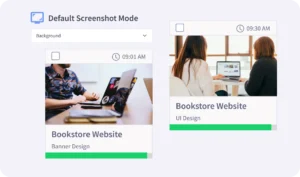
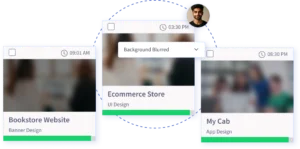
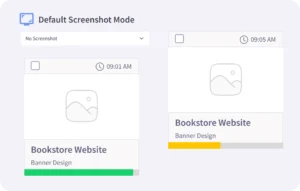
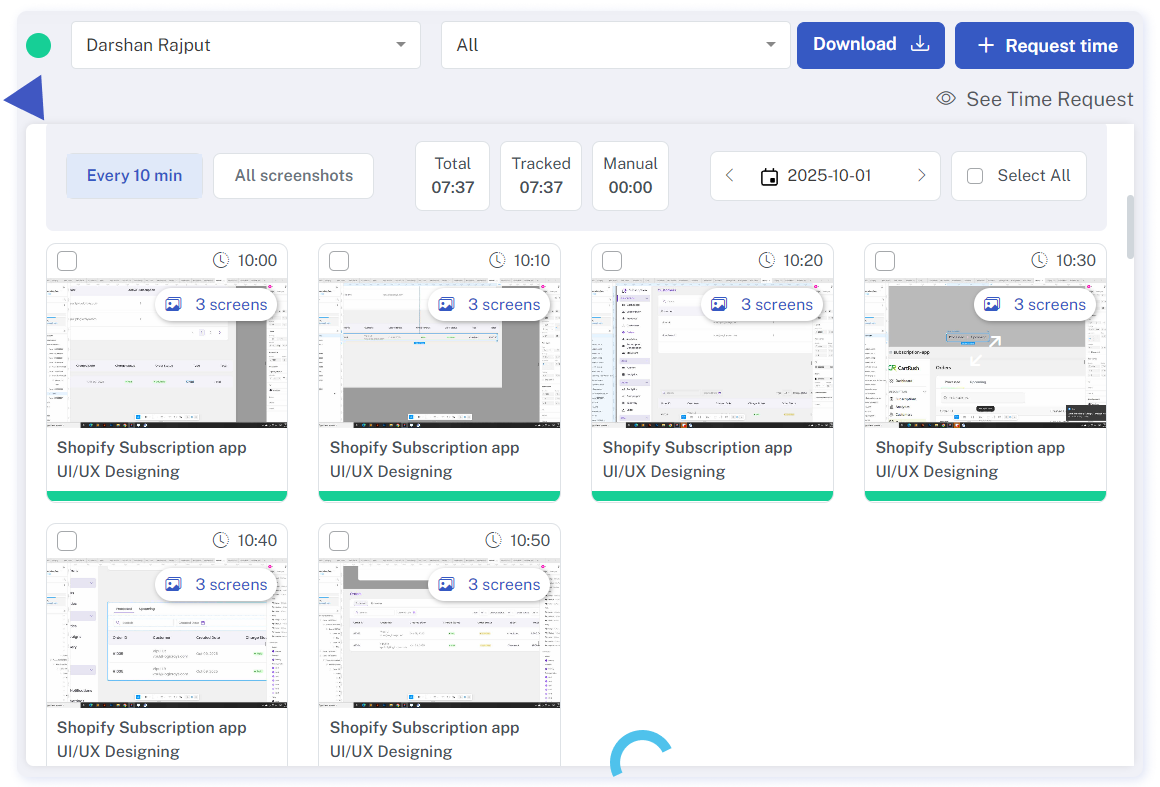
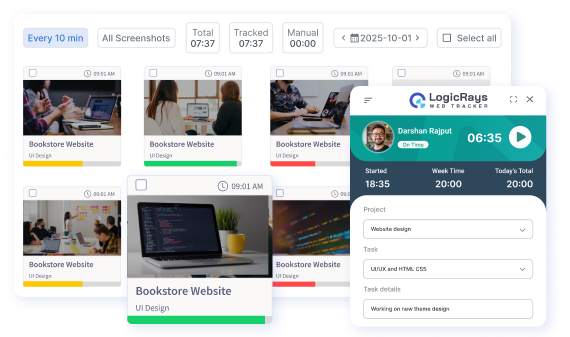
Gain real-time insight into your employees’ workday activities through randomly captured screenshots. Tailor your monitoring approach with our four screenshot modes to accommodate individual employee preferences. Access detailed information including tracked hours, activity levels, and app and website usage by viewing the screenshots.

Time Tracking with Automated Screenshot Capture

Obtain real-time insights into employee time and activity through our automated screenshot capture feature.

Progress

Responsibility

Efficiency

Monitor Team Progress with Automated Screenshots

Access all screenshots conveniently on the Screenshot Reports page. For in-depth insights, simply click on each screenshot to view minute-by-minute events. Explore metrics including mouse clicks, keystrokes, app and website usage, and activity level.

Additionally, technical specifications such as IP address, OS type, and system operation name are provided.

Explore the versatility of
LR Tracker's
4 Screenshot Modes

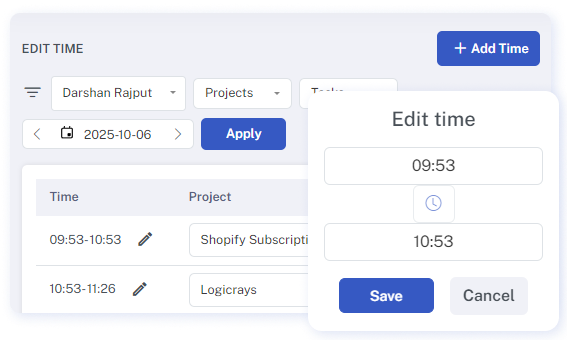
Time Adjustment

Our time editing feature addresses instances when employees overlook or are unable to track their hours due to various reasons, such as being engaged in off-computer work tasks. In such scenarios, team members can request time edits by providing brief descriptions. Subsequently, owners or executive managers can approve or reject these requests. Approved adjustments are seamlessly integrated into the total working hours.

Features

While your employees are engaged in their tasks, our time tracker seamlessly captures their screen activity

Have Questions?

We’ve got you covered.
Lorem ipsum dolor sit amet, consectetur adipiscing elit. Ut elit tellus, luctus nec ullamcorper mattis, pulvinar dapibus leo.